
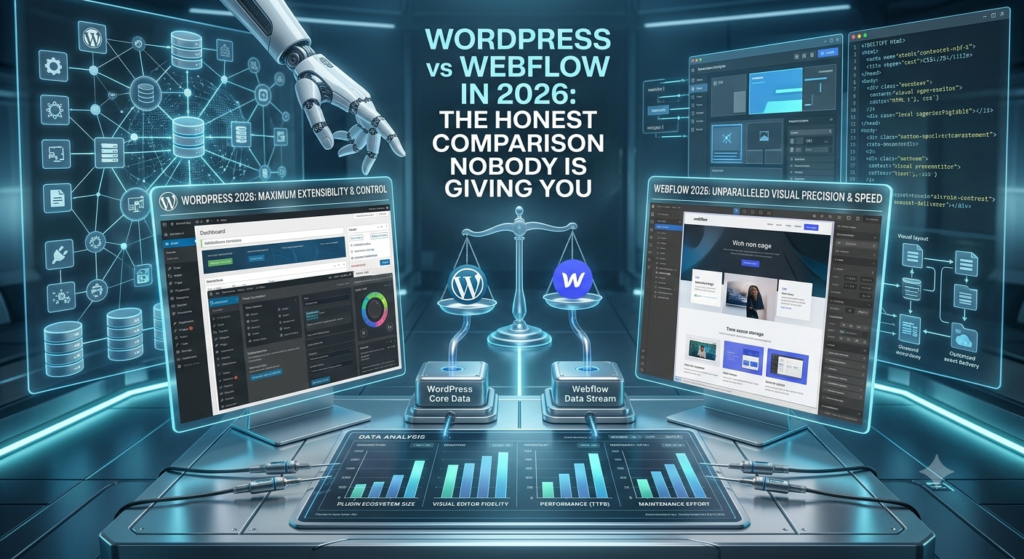
The Answer-First Summary
WordPress is the better choice for businesses that need maximum flexibility, extensive plugin ecosystems, eCommerce at scale (WooCommerce), or complex custom functionality. Webflow is the better choice for design-focused businesses that want visual control, fast performance out of the box, and don’t need heavy custom development. WordPress powers 43% of all websites and offers unmatched extensibility. Webflow is faster to build on, easier to maintain, and produces cleaner code — but has a smaller ecosystem and higher per-site costs at scale. Neither is universally better; the right choice depends on your specific needs, budget, and technical resources.
When to Choose WordPress
Choose WordPress when: you need complex custom functionality (membership sites, LMS, multi-vendor marketplaces), you want maximum plugin options (70,000+ plugins), you need WooCommerce for large-scale eCommerce, you want full code ownership and hosting flexibility, your budget is tight (WordPress core is free), or you have a developer or agency managing the site. WordPress’s greatest strength is its ecosystem — there’s a plugin or theme for virtually everything.
When to Choose Webflow
Choose Webflow when: design quality is a top priority and you want pixel-perfect control without code, you want fast performance and clean code out of the box, your site is primarily a marketing site (not a complex web app), you want easy content editing for non-technical team members, or you don’t want to manage hosting, security, and updates yourself. Webflow’s greatest strength is its visual editor — designers can build complex layouts without writing code.
SEO Comparison
Both platforms can achieve excellent SEO. WordPress has the edge with plugins like Rank Math and Yoast that make on-page optimization, schema, and sitemaps easy. Webflow has built-in SEO tools that are simpler but less extensible. For AI SEO (GEO/AEO), WordPress’s flexibility with custom schema and structured data gives it a slight advantage. Webflow’s clean, fast-loading code gives it a slight speed advantage. Bottom line: with proper optimization, both platforms can rank equally well.
Cost Comparison
WordPress: free core + hosting ($10–100/month) + theme ($0–200) + plugins ($0–500/year) + developer time. Total: $500–5,000 for a professional site.
Webflow: $14–39/month hosting + potential CMS/eCommerce plan ($29–59/month) + designer/developer time. Total: $2,000–10,000 for a professional site.
WordPress is cheaper at scale. Webflow is often cheaper for small, design-focused sites because it needs less development time.
Our Recommendation
For most businesses working with a marketing agency like Advengis, WordPress is the recommended choice because of its flexibility, extensibility, and our ability to implement advanced SEO, schema, and custom features. For startups and design-focused brands that want a fast, beautiful site without ongoing development overhead, Webflow is excellent. We build on both and recommend based on your specific needs during discovery.
→ Want us to handle this for you? Get a free growth audit
Frequently Asked Questions
Q: Is WordPress or Webflow better for SEO?
A: Both can achieve excellent SEO. WordPress has more powerful SEO plugins (Rank Math, Yoast) while Webflow produces cleaner, faster code. With proper optimization, both rank equally well.
Q: Is Webflow easier to use than WordPress?
A: For designers and non-technical users, Webflow’s visual editor is more intuitive. WordPress with Elementor or Gutenberg is also user-friendly but has a steeper learning curve for complex layouts.
Q: Can I move from WordPress to Webflow (or vice versa)?
A: Yes, but it requires rebuilding the site. Content can be migrated, but design, templates, and functionality need to be recreated on the new platform.
Q: Which is cheaper — WordPress or Webflow?
A: WordPress has lower hosting costs and is free at the core. Webflow has higher monthly fees but may need less developer time. Total cost depends on complexity and who’s building it.
Q: Does Webflow work for eCommerce?
A: Webflow has eCommerce features but they’re limited compared to WooCommerce or Shopify. For large catalogs or complex eCommerce, WordPress (WooCommerce) or Shopify are better choices.
Q: Which CMS is better for a marketing agency website?
A: WordPress is typically the better fit for agency websites due to its flexibility, extensive plugin ecosystem, and easy integration with SEO tools, analytics, and marketing automation.